Overview
I designed a scalable image system to support a rapidly growing library of courses within the Century platform. As content expanded, inconsistent thumbnail approaches created maintenance challenges and weakened brand consistency.
The goal was to create a flexible, easy-to-maintain system that could scale across subjects, support different use cases, and remain visually cohesive across the product and marketing.
Requirements
Bright and visually engaging while staying on brand
Work across both dark and light backgrounds
Remain readable at small sizes (down to 36px)
Cover a wide range of subjects
Quick to produce and maintain
Scalable as the content library grows
Iterations
Versions evolved over several years as the startup focused on larger projects to drive rapid growth.
Version 1 — User-uploaded thumbnails
Allowed users to upload custom images.
→ Result: inconsistent quality and branding
Version 2 — Image gallery
Introduced a subject-based image library.
→ Issue: resource-heavy and difficult to scale

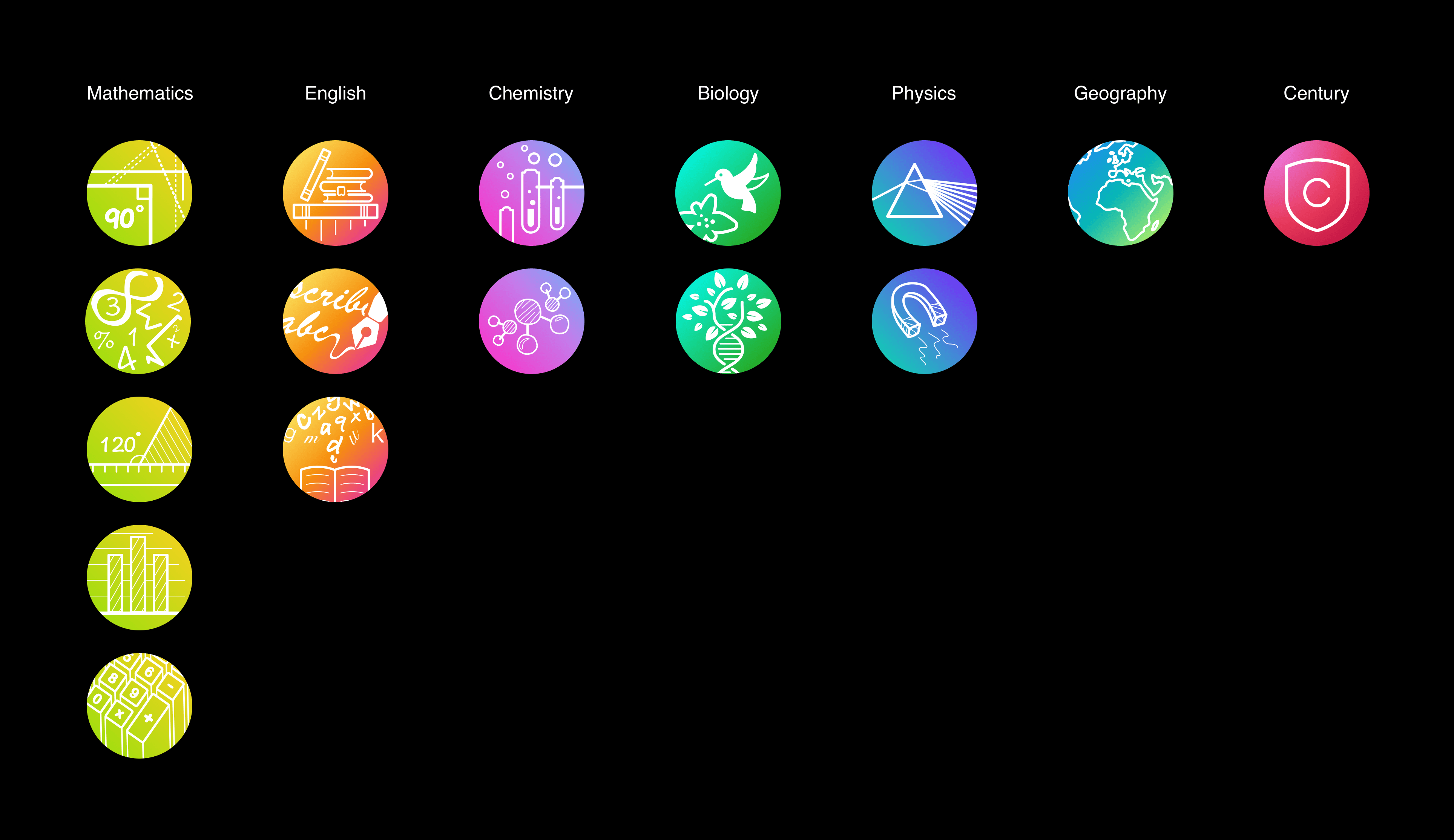
Version 3 — Branded system
Introduced colour coding and simplified visuals.
→ Issue: still limited flexibility and variation
Final Solution — Scalable system
Separated colours, backgrounds, and icons into a flexible system that could scale efficiently
Design
This is a final version that has been successfully implemented and is currently in use.
Research
I analysed UK exam boards and worked with the internal curriculum team to map existing and future subjects. This resulted in a structured list of 50+ subjects, which were later grouped into broader disciplines to support scalability.
Mapping
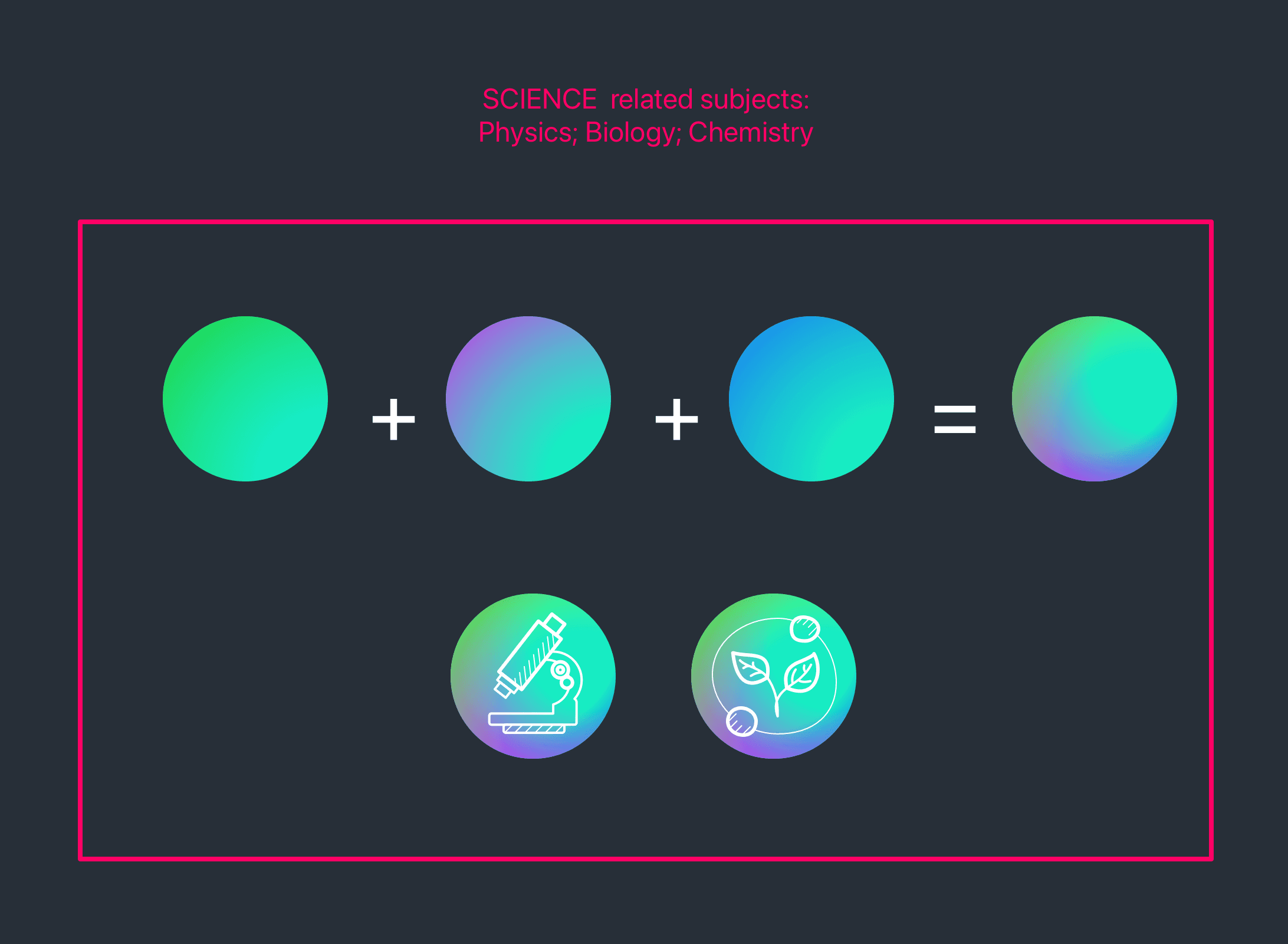
Subjects were grouped into key disciplines such as humanities, languages, sciences, arts, and digital. Each discipline was assigned a distinct colour to create consistency across the product and marketing.
Additional categories such as “Century” and “Other” were introduced to handle edge cases.

Background System
Each subject inherits a base colour from its parent discipline. A secondary gradient layer is applied to create variation while maintaining consistency across the system.

Iconography
I developed a lightweight icon system inspired by existing product visuals. The goal was to create a style that was:
Simple and quick to produce
Consistent across subjects
Playful and suitable for a wide age range
Clear at multiple sizes
Guidelines included:
Limited line weights (1px, 2px, 3px)
White-only icons for consistency
Avoiding edge-to-edge compositions
Allowing flexibility for partner branding where needed
Library System
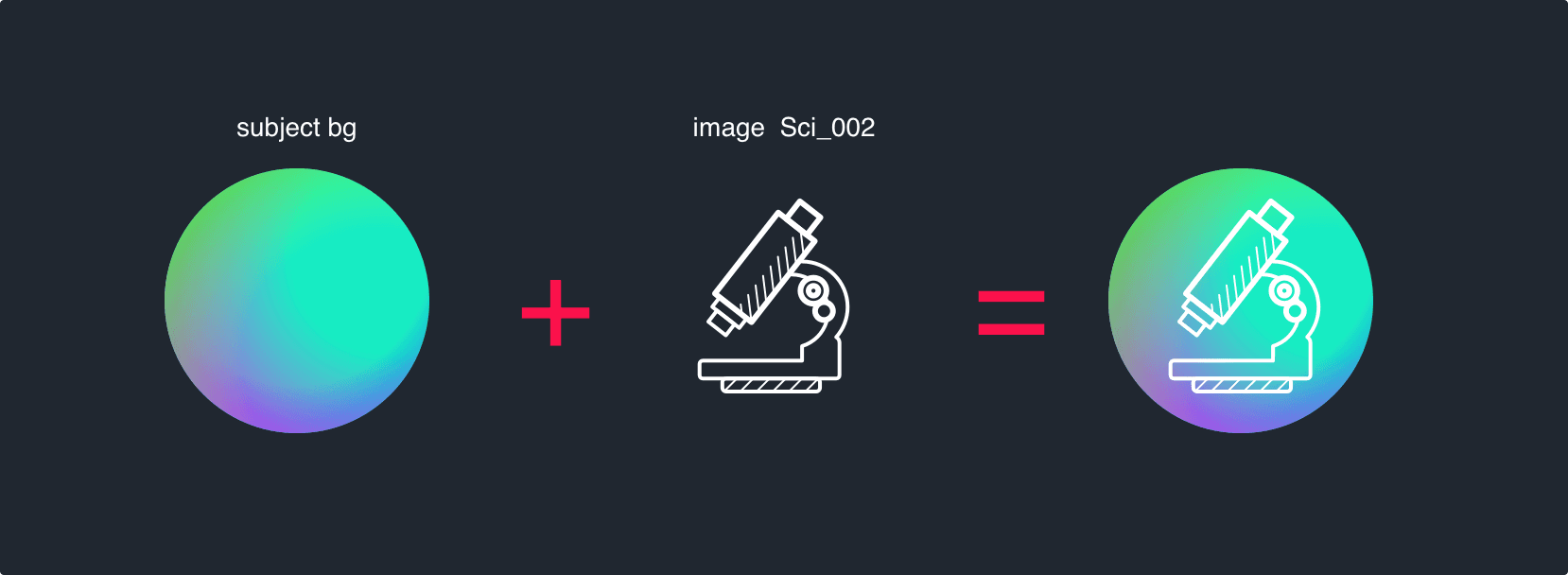
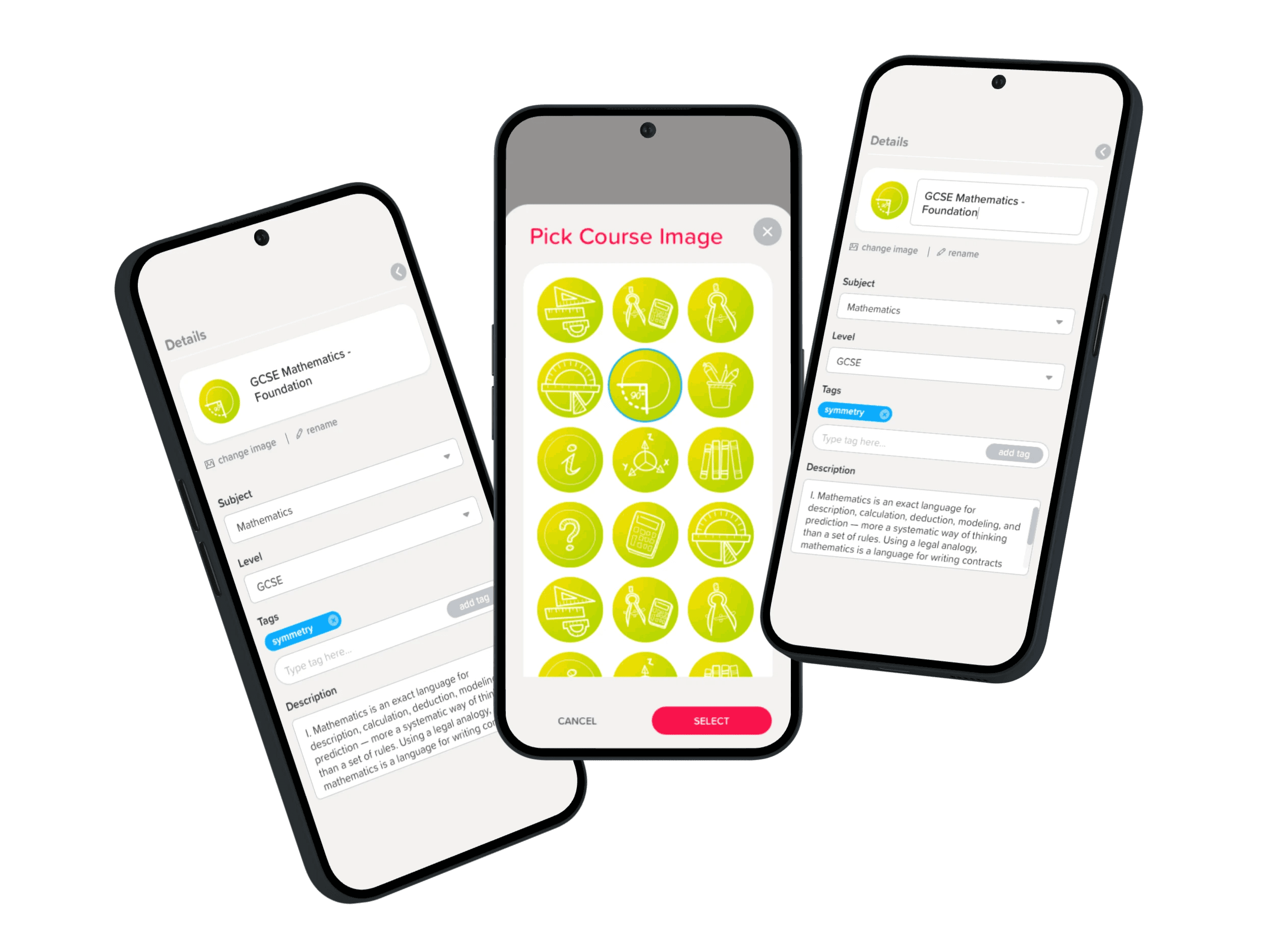
The system separates backgrounds and icons into independent layers that combine dynamically.
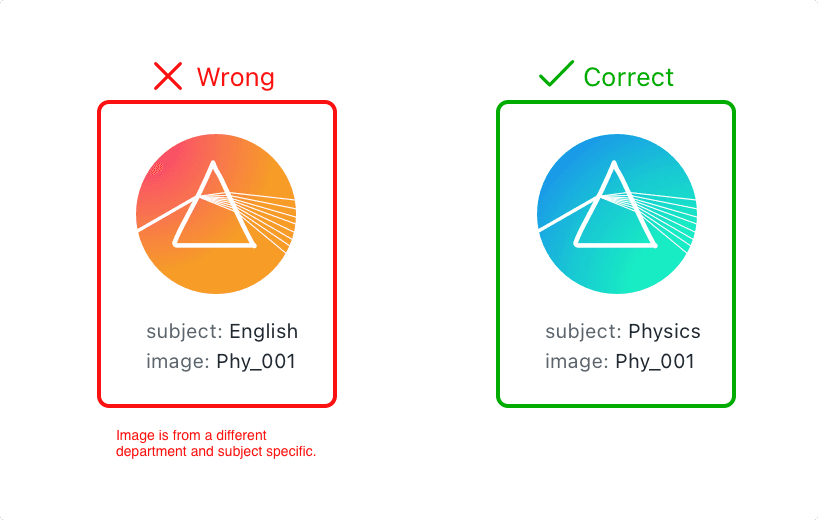
When creating a course, a subject selection automatically applies a background. The system then selects an appropriate image variation, while still allowing manual override when needed.
This approach reduces manual effort while maintaining visual consistency.
Impact
The final system has been in use for several years, supporting a growing content library while reducing the effort required to maintain visual consistency.
It also influenced wider product design, including subject-based colour systems, filtering, and marketing materials.
Content filters
Setting clear rules for color meanings and usage can extend to other parts of the app related to subjects and courses. This includes color coding for subject labels and adding color codes to content filters. Some course materials can also adopt these colors to enhance the subject's atmosphere.
Client customisation
Some clients choose to invest more to create their own style and brand. One of these clients, BPP, branded all app with their colours and added their own course images. The course image system is designed for easy theme switching and prioritizes custom images throughout the app.
Marketing
Course images are a key part of company brand and are featured in many marketing materials. Their colorful and fun style allows for diverse promotional designs that grab attention and create positive feelings.
